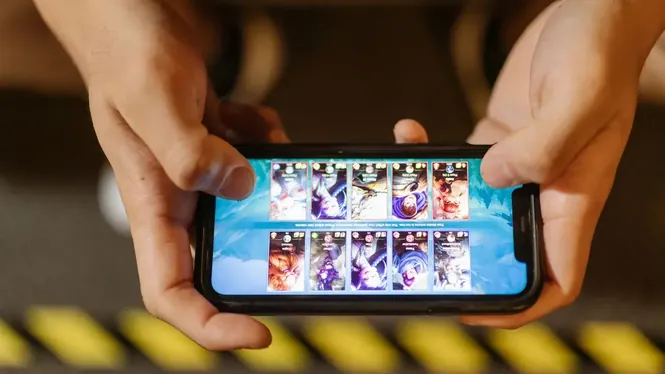
ZenHub GFX for Free Fire: Graphics and Smooth Gameplay Guide
Use ZenHub GFX for Free Fire on Android with balanced graphics settings, smoother FPS, less stutter, and display options that keep fast battle royale matches responsive.
Explore ZenHub GFX guides for Android gaming optimization, graphics settings, FPS support, lag reduction, safe installation, and responsible use.
Use ZenHub GFX for Free Fire on Android with balanced graphics settings, smoother FPS, less stutter, and display options that keep fast battle royale matches responsive.
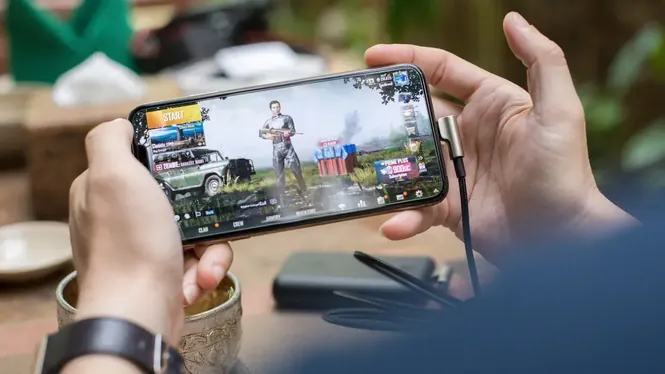
Set up ZenHub GFX for PUBG Mobile with balanced graphics, stable frame rate, clear visuals for spotting enemies, and device-friendly options for long battle royale matches.

Understand sensitivity settings alongside ZenHub GFX on Android, including camera, ADS, and gyroscope sensitivity, and how smooth performance makes aim settings feel consistent.
Learn how resolution settings affect Android gaming with ZenHub GFX, including sharpness, performance cost, battery use, and the best level for low-end and flagship phones.

Learn how high frame rates work on Android with ZenHub GFX, what 60, 90, and 120 FPS actually change, and how to keep high FPS stable without overheating your phone.
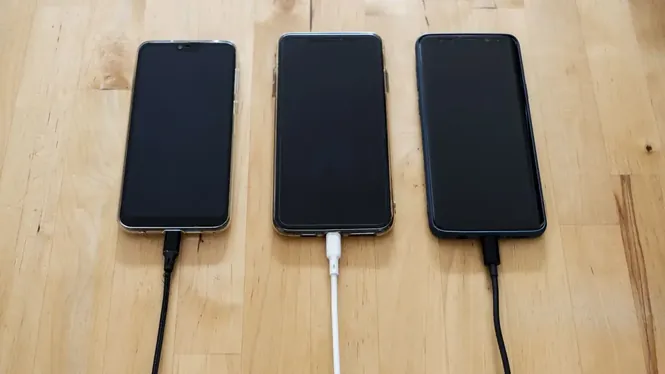
Reduce battery drain while gaming on Android with smarter ZenHub GFX settings, lower resolution and frame choices, and simple habits that extend every gaming session.

Stop your Android phone overheating while gaming with practical ZenHub GFX settings changes, cooling habits, and checks that protect performance during long sessions.
Improve touch responsiveness on Android with ZenHub GFX performance choices, display settings, and practical checks that make taps and swipes feel instant while gaming.
Make games playable on 2GB and 3GB RAM Android phones with ZenHub GFX low-memory settings, storage discipline, and habits that prevent crashes and reloads.

Understand texture quality and anti-aliasing in Android games with ZenHub GFX, what each setting costs, and how to balance sharp surfaces against smooth performance.
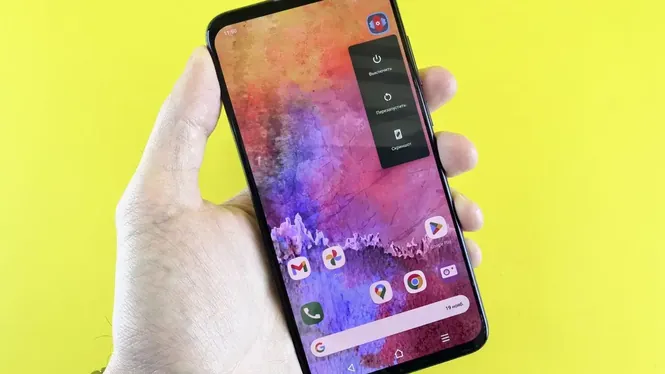
Learn what HDR and graphics style options do in Android games, how colour choices affect enemy visibility and eye comfort, and how to pick a style with ZenHub GFX.
A step-by-step first-time setup walkthrough for ZenHub GFX beginners on Android, covering safe installation checks, first settings choices, and how to test your first profile.

Avoid the most common ZenHub GFX mistakes on Android, from copying flagship settings to maxing every option, with simple corrections that keep games smooth and stable.
Reduce ping problems in Android online games with practical network tips that complement ZenHub GFX, covering Wi-Fi setup, mobile data, background traffic, and server choice.
Learn why per-game profiles matter with ZenHub GFX on Android, how to build and organise profiles for shooters, racing games, and light titles, and keep them updated.
Learn what ZenHub GFX is, how it works on Android, how it helps with gaming optimization, graphics settings, FPS support, lag reduction, and responsible usage.
Explore the main ZenHub GFX APK features, including graphics optimization, FPS support, lag reduction, responsiveness improvement, visual settings, and device efficiency tools.
Learn how to install ZenHub GFX APK or XAPK on Android safely, enable installation permission, use XAPK installer, check app details, review permissions, and fix installation errors.
Learn ZenHub GFX Android compatibility, device requirements, supported phones and tablets, APK/XAPK installation needs, storage, RAM, FPS limits, and common compatibility issues.
Understand ZenHub GFX graphics settings for beginners, including resolution, FPS, graphics quality, shadows, textures, effects, smooth mode, balanced mode, and safe Android optimization.
Learn how ZenHub GFX can help with FPS optimization, smooth gameplay, frame stability, graphics balance, device performance, heat control, and Android gaming responsiveness.
Learn how ZenHub GFX can help low-end Android users reduce lag, improve FPS stability, manage graphics settings, reduce heat, close background apps, and create smoother gameplay.
Learn how ZenHub GFX visual customization and game display settings work, including resolution, display style, color tone, graphics quality, safe customization, and responsible Android usage.
Fix common ZenHub GFX problems on Android, including APK not installing, XAPK errors, app not opening, settings not applying, game lag, crashes, FPS issues, and permission problems.
Learn how to update ZenHub GFX APK or XAPK on Android safely, check version details, avoid update errors, fix package conflicts, review permissions, and keep gaming optimization features working smoothly.
Learn whether ZenHub GFX APK is safe to install on Android, what security checks to follow, how to review permissions, avoid suspicious GFX tools, and use the app responsibly.
Learn about ZenHub GFX permissions, privacy settings, APK/XAPK data safety checks, Android permission control, unknown app installation risks, and safe gaming optimization use.
Compare ZenHub GFX with other GFX tools and learn the differences in graphics optimization, FPS settings, lag reduction, visual customization, compatibility, safety, and Android gaming use.
Read ZenHub GFX FAQ covering APK/XAPK download, Android installation, updates, graphics settings, FPS, lag reduction, compatibility, safety, permissions, and common app issues.
Explore ZenHub GFX alternatives for Android graphics optimization, FPS support, lag reduction, game boosting, visual settings, device performance, and safe gaming improvement.