ZenHub GFX for Free Fire: Graphics and Smooth Gameplay Guide
Use ZenHub GFX for Free Fire on Android with balanced graphics settings, smoother FPS, less stutter, and display options that keep fast battle royale matches responsive.
ZenHub GFX APK is searched by users who want to install the app manually on Android rather than through a store. A manual APK or XAPK installation is useful when you want direct installation on your own schedule, an app backup you control, or a specific version of the app. Check the file details below, follow the installation steps in order, and review permissions once the app is on your device.
Download the ZenHub GFX APK or XAPK file.
Check the app name and version.
If using APK, open the file from your downloads folder.
If using XAPK, use a trusted XAPK installer or supported app store.
Allow unknown app installation only when needed.
Tap Install and wait for the process to finish.
Open ZenHub GFX after installation.
Review permissions.
Test basic settings carefully.
Turn off unknown installation permission after setup.
Wait for the short preparation timer on this page to finish, then tap the download button to get the ZenHub GFX file. If you take the XAPK file, open it with a trusted XAPK installer, and if you take the APK file, open it from your downloads folder and follow the installation prompts Android shows you.
The app information on this page lists ZenHub GFX version 2.6.1 with a file size of 17.9 MB. The file type is XAPK, and the same version and size are re-checked whenever a new build is published here.
The app information on this page lists the Android requirement as Android 5.0 and up. If your phone runs an older Android version, update the system software first or use a device that meets the requirement.
Every build published here is tested on real phones before any download button goes up. We run a clean installation, review the permissions the app requests, check performance in real gaming sessions, and run a safety scan on the file before it is listed on this page.
The package name listed in the app information on this page is com.zenhub.gfx. Checking the package name on the installer screen is a quick way to confirm you are installing the right app.
When a new version is published on this page, download the new file and install it over the existing app. Each new build is re-checked for installation, permissions, performance and safety before the download information here is updated.
The short countdown prepares your download and confirms the file is ready. Once the timer finishes, the download button appears on this page and you can save the file straight to your device.
Use ZenHub GFX for Free Fire on Android with balanced graphics settings, smoother FPS, less stutter, and display options that keep fast battle royale matches responsive.
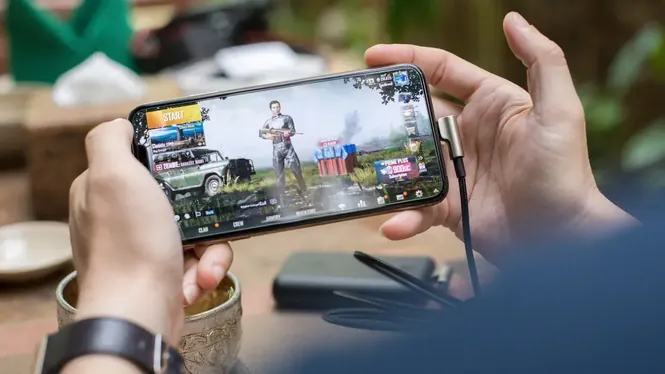
Set up ZenHub GFX for PUBG Mobile with balanced graphics, stable frame rate, clear visuals for spotting enemies, and device-friendly options for long battle royale matches.

Understand sensitivity settings alongside ZenHub GFX on Android, including camera, ADS, and gyroscope sensitivity, and how smooth performance makes aim settings feel consistent.
Learn how resolution settings affect Android gaming with ZenHub GFX, including sharpness, performance cost, battery use, and the best level for low-end and flagship phones.

Learn how high frame rates work on Android with ZenHub GFX, what 60, 90, and 120 FPS actually change, and how to keep high FPS stable without overheating your phone.
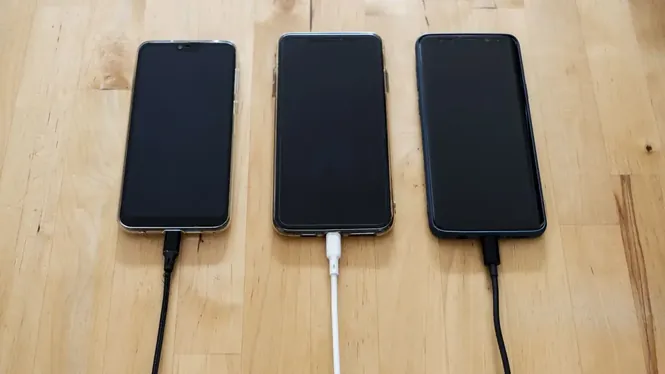
Reduce battery drain while gaming on Android with smarter ZenHub GFX settings, lower resolution and frame choices, and simple habits that extend every gaming session.