One global graphics setup cannot suit every game, because games differ wildly in weight and style. A heavy open-world title and a light card battler sharing one profile means one of them is always wrong: too heavy or needlessly plain.
Per-game profiles solve this properly. This guide explains how to think about profiles, how to build them efficiently with ZenHub GFX, and how to keep a growing library organised without turning setup into a second hobby. The the ZenHub GFX homepage page carries the download package and full app details.
Why One Profile Fails
Games stress a phone in different proportions: one leans on GPU resolution, another on processor physics, another barely stresses anything.
A single profile forces a compromise tuned for your heaviest game onto everything, wasting quality in light games, or tuned for light games and collapsing in heavy ones.
Think of profiles as outfits: nobody wears one outfit to a wedding, a marathon, and a snowstorm, and nobody should ask one graphics setup to serve a shooter, a racer, and a chess app.
Start the library today with the three templates and your most-played title; a library begun beats a system perfected in theory.
Profile Thinking: Budget Per Game
Treat each game's profile as its own budget decision. Ask what this game rewards: frame rate for a shooter, beauty for a slow adventure, battery life for a grinding game.
The answer differs per title, and writing it down in one line per game makes later adjustments almost automatic.
A shared family phone makes profiles a peace treaty. Each player's games keep their tuned setups, and nobody's experiment quietly rewrites somebody else's ranked configuration.
When a profile surprises you, write the surprise down; anomalies are where next season's improvements hide.
Start From Three Templates
Rather than building every profile from zero, create three personal templates: performance, balanced, and visual, based on your phone's behaviour.
New games start from the nearest template and usually need only one or two adjustments. Templates turn profile-building from a project into a routine.
Cloud or note backups of profile values matter more as the library grows. The day a phone is replaced, the player with notes rebuilds in an evening; the player without them rebuilds in a month.
Share templates, not finished profiles, with friends: their phones deserve the method, not your numbers.
The Shooter Profile
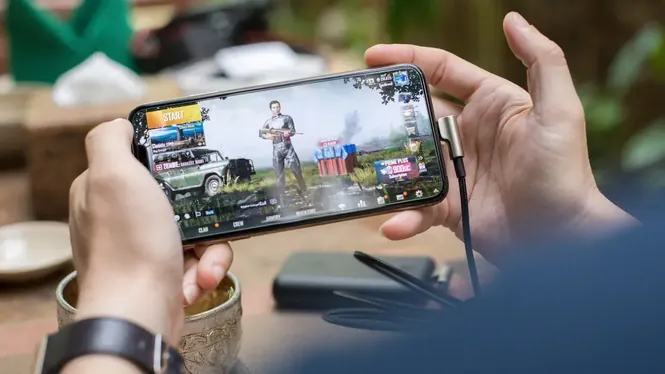
Shooters get the performance template: frame rate protected, resolution modest, effects low, style chosen for visibility.
Save separate tweaks only where a specific shooter differs, for example a title with unusually heavy shadows or a very large map.
Profiles also expose your own taste over time. Reviewing them yearly shows which trade-offs you actually value, knowledge that makes choosing your next phone startlingly easy.
A game's difficulty settings and your graphics settings are cousins: both exist to shape the experience to the player in front of the screen. ZenHub GFX Visual Customization and Game Display Guide covers this in more detail.
The Racing and Sports Profile
Racing games reward smoothness in a different way: constant motion makes frame stability vital, while scenery detail flies past too fast to admire.
Reflections and trackside effects are the usual savings here. A racing profile often sits between performance and balanced, with stability guarded and textures allowed a little more room.
When a game leaves your rotation, archive its profile note rather than deleting it. Returning players are common, and last year's note is next season's head start.
If you return to a game after months, play one casual match on its saved profile before judging it; rust impersonates bad settings convincingly.
The Adventure and RPG Profile
Slower games forgive lower frame rates and reward beauty, so their profiles can raise resolution and textures in exchange for a calmer frame target.
These are also good candidates for battery-friendly settings during long story sessions, since responsiveness matters less than endurance.
Do not let profile count become a score. The library is a tool for spending less time in menus, and the moment it demands maintenance for its own sake, prune it back to the templates.
Profiles make phone upgrades joyful: the structure transfers, and each game gets its small promotion ceremony of retesting.
The Light Game Profile
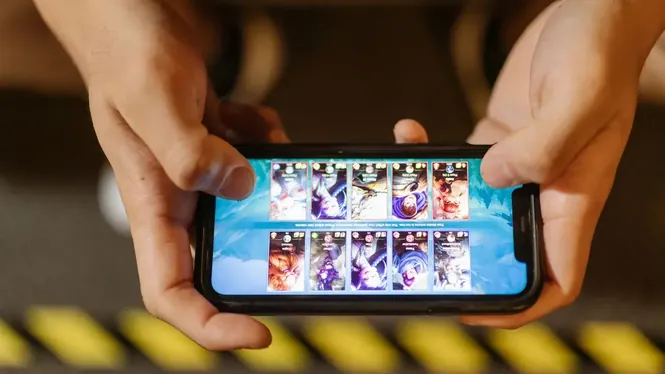
Puzzles, card games, and 2D titles need almost nothing, and the kindest profile for them is the one that sips battery and stays cool.
Cap frame rate sensibly, keep resolution modest, and let the phone idle through hours of play. Not every profile exists to maximise; some exist to minimise cost.
New players should build the performance template first and clone it everywhere, specialising only the games they play weekly. Depth where you live, defaults where you visit.
Keep the library where your notes live, one home for all gaming knowledge about your devices.
Naming and Notes
A profile you cannot identify is a profile you will not reuse. Use clear names with the game and intent, like the title plus Performance or Visual.
Add a one-line note of the key values and the date. Phones change and updates land; notes turn rediscovery into reading.
A profile is also the right place to record context: with case or without, charging or not, home Wi-Fi or data. Future you will thank present you for the footnotes.
The three templates will drift apart as you learn your phone; that drift is the sound of the system becoming yours. ZenHub GFX APK Features for Gaming Performance explains this side of the topic in full.
Profiles After Game Updates
Major updates can shift a game's weight significantly. When a familiar game suddenly feels different, retest its profile in the usual hardest scene before assuming your phone aged overnight.
Most updates need at most one adjustment. The saved profile remains the right starting point even then.
If two games share an engine, their profiles usually transfer with minor changes. Recognising engine families is an advanced shortcut that organises a large library quickly.
Resist renaming profiles constantly; stable names are what make the library scannable under time pressure.
Profiles When You Change Phones
Moving to a new phone does not invalidate your profiles; it rescales them. Use old profiles as the structure and retest each game's hardest scene once.
Stronger hardware usually converts directly into raising the beauty side while keeping your hard-won priority order intact.
Finally, profiles make advice shareable honestly: this worked on this phone for this game is a claim others can test, unlike universal settings lists that promise everything and specify nothing.
Every profile you save is a small promise to your future self that setup time stays setup-sized.
Keeping the Library Tidy
Delete profiles for games you have uninstalled, and review the list every few months. A tidy library of ten real profiles beats a swamp of forty experiments.
The goal of per-game profiles is less time in settings, not more. If maintaining them ever feels like work, simplify back to the three templates and rebuild only what you miss.
Kept this way, the library stays what it was designed to be: invisible infrastructure that returns your attention to playing.
And that, in the end, is the product: more playing, less administering.
Conclusion
Per-game profiles are simply the admission that games differ, organised into a system your future self can use in seconds. Three templates, honest priorities per genre, clear names, and a note of values are the entire method.
Build them gradually as you install games, retest lightly after major updates, and your ZenHub GFX library becomes a quiet asset: every title starting each session already dressed for its own demands. Readers can find the full breakdown in ZenHub GFX APK Features for Gaming Performance and ZenHub GFX Graphics Settings Explained for Beginners.